dental-marketing
The 12-Clip Content Day: Film a Month of Dental Videos in Two Hours
Most practices don’t need more video ideas; they need a repeatable filming system. This playbook shows how to capture 12 short videos in one office session, how to edit and post them efficiently, and the benchmarks we use to turn views into booked appointments.
By Dentainment ·
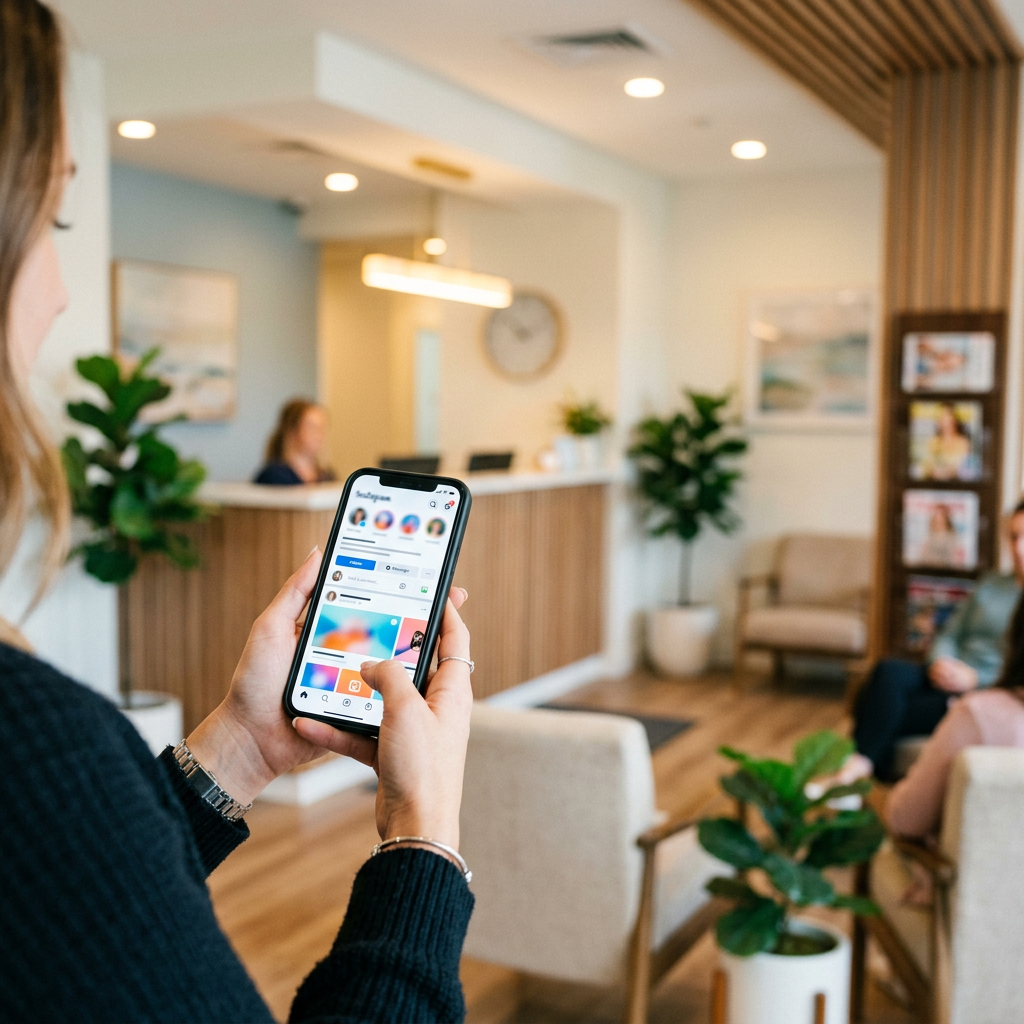
At Dentainment, the highest-performing dental video programs we run rarely depend on “viral” creativity. They depend on one thing owners can control: a predictable filming day that produces enough usable footage to post consistently for four weeks. When practices do video “when we have time,” the camera comes out twice, everyone feels awkward, and the series dies. When you schedule a two-hour Content Day once a month, video becomes an operational habit instead of a marketing wish.
The goal isn’t to shoot cinematic practice tours. It’s to build a library of short, trust-building clips that answer the patient’s real question: “Do I feel safe booking here?” In 2026, short-form content (15–45 seconds) is the fastest route to that answer on Instagram Reels, TikTok, and YouTube Shorts. A good Content Day creates 12 clips: six “proof” clips (tour, team, technology, comfort, cleanliness, convenience), four “patient understanding” clips (common fears, financing, what to expect), and two “conversion” clips (how to book, what happens next).
Here’s the structure that reliably works in general dentistry, orthodontics, and specialty offices.
First, pick one filming window that matches your real practice energy. We recommend either 7:30–9:30 a.m. before patients, or 1:30–3:30 p.m. on a lighter clinical day. Block it on the schedule like production time. If you can’t spare two hours monthly, video won’t be consistent, and that’s the only “hack” that matters.
Second, assign three roles so filming doesn’t derail the day. One person is the on-camera lead (doctor, associate, or charismatic team member). One person is the producer (office manager or marketing coordinator) who holds the shot list and keeps you moving. One person is the camera operator (staff member with a phone gimbal, or a contractor). If you use a contractor, expect $300–$800 for a two-hour shoot locally; if you upgrade to a half-day with lighting and lav mics, $900–$1,800 is common in most markets. The point is not the gear; it’s the pace and the plan.
Third, film in batches, not topic-by-topic. Batch by location so you’re not resetting constantly. Start with “tour” visuals: exterior sign, front door entry, reception, operatories, sterilization area (only if it looks pristine), tech (scanner, CBCT, iTero, soft-tissue laser), comfort (TVs, headphones, blankets), and a simple team wave shot. You’re not narrating yet. These become B-roll that makes every other clip feel more professional without extra effort.
Then record six talking-head clips in one spot with the same framing. Keep the camera at eye level, stand 4–6 feet away, and face a window if possible. Each clip should have one promise and one next step. For example: “Nervous about injections? Here’s how we make numbing easier in under a minute, and if you want sedation options, call and ask for our comfort menu.” Or: “If you’re worried about cost, here’s how our treatment coordinator breaks down insurance and monthly payment options on the same day.” These aren’t scripts; they’re mini-answers. One clean take is enough.
Now the part most practices miss: the two conversion clips. If viewers like you, they still need to know how to act. Record one clip that shows exactly how to book: “Click the link in our bio for online scheduling, or call us and say ‘new patient’—we’ll offer two appointment times while you’re on the phone.” Record another clip that explains what happens after booking: “You’ll get a confirmation text, a link to forms, and we’ll verify your insurance before you arrive.” If you have online booking, show it in a quick screen recording. If you don’t, don’t pretend you do.
To turn those 12 raw clips into a month of posts without burning out, set a simple editing standard. Vertical 9:16, 1080x1920, captions on, hook text on-screen in the first second. You can edit in-house using CapCut or outsource. In most dental markets, editing runs $25–$60 per finished short depending on motion graphics, caption styling, and revisions. If you’re doing this monthly, a realistic small-practice budget is $400–$1,200/month to cover editing plus occasional shooting support. Bigger practices that want heavier production and UGC-style ad iterations often land in the $1,500–$3,500/month range.
Posting cadence matters more than platform variety. A strong baseline is three shorts per week. If you can only do two, do two forever, not five for a week and then nothing. Cross-post the same video to Instagram Reels, TikTok, and YouTube Shorts. Do not obsess over different edits per platform at the start; consistency beats customization.
Benchmarks help you judge whether the Content Day is working. For non-promoted posts, we consider 1,500–5,000 views a healthy range for a local practice account that posts consistently for 60–90 days. A “winner” is 10,000+ views locally with a comment rate above 0.5% (50 comments per 10,000 views is excellent for dental). Saves and shares matter more than likes; if you’re seeing saves above 1% of views, you’re building trust content that patients rewatch.
But views aren’t the KPI that pays payroll. You need a measurable booking path. Every video should drive to one of two actions: call or online scheduling. If you use online scheduling, make sure the link in bio is one tap and fast; if you use a landing page, keep it under 15 seconds to load on mobile. For tracking, use a dedicated tracking number for social and place it in your bio link page and pinned post. Then compare: a good social-driven call answer rate should be above 80% during business hours, and a good new patient conversion rate from qualified calls is 35–55% depending on case type.
One underused lever is pairing your Content Day with a lightweight ad test. Take your two conversion clips and put $10–$25/day behind each on Instagram for 7–10 days targeted to a 5–8 mile radius, ages that match your practice focus. You’re not trying to “go viral”; you’re trying to buy consistent local reach. In most suburbs, a practical benchmark is $20–$60 cost per qualified lead action (call click or form start) when the creative is strong and the booking path is frictionless. If costs are higher, it’s usually not the targeting; it’s unclear messaging or a weak scheduling experience.
Finally, don’t skip reputation and compliance basics in video. Don’t use “before/after” if you can’t document consent. If you feature patient stories, use a signed video release and keep it simple: one moment of emotion, one moment of outcome, one sentence of advice to someone on the fence. Patient stories outperform doctor explanations when they feel real, not staged. And if you want your practice tour to show up where patients actually decide, upload your best 30–60 second tour to your Google Business Profile as a video post. It won’t “rank” by itself, but it increases trust at the decision point.
A monthly Content Day sounds basic, but it solves the real bottleneck: practices don’t fail at video because they lack ideas; they fail because video never becomes a repeatable production process. Build the habit, track the booking path, and you’ll get what dental video is supposed to deliver: more informed callers, fewer price-only conversations, and a steadier flow of patients who already feel like they know you.
About Dentainment
Dentainment is a performance marketing agency built exclusively for dentistry. From AI-powered patient acquisition and local SEO to brand strategy, video, and reputation management, Dentainment helps modern dental practices and DSOs attract more of the right patients and grow predictably. Learn more or book a strategy call at dentainment.com.